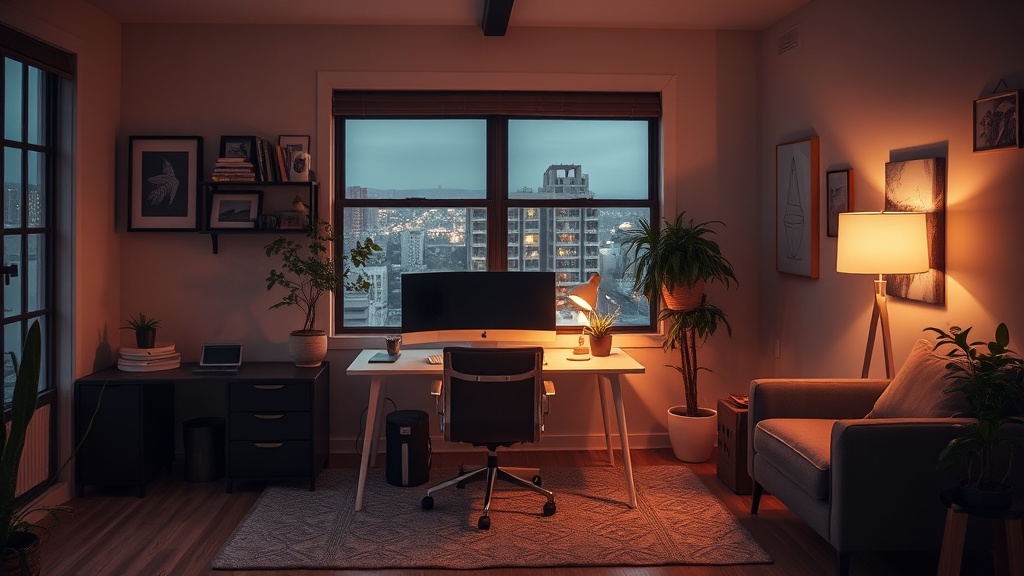
Setting Up a Productive Home Office in Your York Ton Residence

People often assume that working from home in York Ton means you'll be constantly distracted by the local chatter or the quiet stillness of the Prairies. They think a professional setup requires a dedicated commercial building or a high-rise office. That's a mistake. You can build a high-functioning workspace right in your living room or spare bedroom, provided you understand the specific environmental factors of our region. Whether you're working near the river or closer to the downtown core, creating a space that separates "work life" from "home life" is what keeps you sane.
We see a lot of neighbors struggling with the transition to remote work because they treat their dining room table as a permanent desk. While it works for a week or two, it isn't sustainable for long-term productivity. To do this right in York Ton, you need to consider the physical-spatial requirements of your specific home layout.
Where is the best place for a home office in York Ton?
Location within your own house matters just as much as the room itself. If you live in one of the older, more established neighborhoods near the center of town, you might have more character, but you also deal with more unpredictable temperature shifts. You don't want to be sitting in a drafty corner near a window all day. We recommend looking for a space with consistent light—not necessarily direct sunlight, which can glare on your screen—and a stable temperature.
If you're working from a home near the more residential outskirts of York Ton, you might have more space, but you'll need to be mindful of your internet stability. Unlike the dense urban centers, some of our more outlying areas rely heavily on specific service providers. Before you commit to a room, check your signal strength in that exact spot. You don't want to be mid-meeting with a client and suddenly lose connection because your router is tucked behind a thick basement wall.
A great way to test your setup is to spend a few hours in a local spot like the Yorkton Public Library or a quiet corner of a local cafe. This helps you realize what you're missing at home—usually, it's a stable desk height or better lighting. If you can handle the pace of a local business during the lunch rush, you can handle a productive afternoon at home.
How do I handle lighting and ergonomics for long hours?
Lighting is frequently overlooked by people in our community. In the winter, when the sun sets early over the York Ton plains, the natural light fades fast. If your desk is facing a dark corner, your eyes will fatigue quickly. You'll want to invest in a good task lamp with adjustable color temperatures. A lamp that mimics daylight can help keep your energy up during those gray February afternoons.
Ergonomics isn't just a buzzword; it's a necessity if you want to avoid back pain. Most people buy a cheap kitchen chair and call it a day. That's a recipe for trouble. If you're working from home full-time, your body needs support. Look for a chair with lumbar support and ensure your monitor is at eye level. If you're using a laptop, a simple laptop stand and an external keyboard can change your entire posture. You can find various office supplies at local retailers, but for high-end ergonomic gear, you might need to look at specialized online retailers like IKEA to find pieces that fit a home office aesthetic.
| Setup Component | What to Look For | Why It Matters |
|---|---|---|
| Chair | Lumbar Support | Prevents back strain during long shifts. |
| Lighting | Adjustable Kelvin | Reduces eye fatigue during dark winters. |
| Desk | Height Adjustability | Allows for standing breaks. |
How can I minimize distractions from my household?
Living in a close-knit community like York Ton, we value our social connections, but that can sometimes bleed into your work hours. If you have kids, a spouse, or even a very vocal pet, you need a strategy for mental boundaries. A physical door is the best tool, but if you're in a studio or an open-concept space, you'll need to use "sensory boundaries."
Noise-canceling headphones are a lifesaver. They don't just block out the sound of the vacuum or the television; they signal to everyone else in the house that you are currently "at work." It's a non-verbal cue that is essential for maintaining a professional mindset. If you find the local neighborhood sounds—like a neighbor's lawnmower or a passing truck—too distracting, white noise machines can also help drown out the ambient sounds of our town.
We also suggest creating a "shutdown ritual." When your workday ends, physically close the laptop or move it to a different shelf. If your office is in your bedroom, cover your equipment with a cloth. This helps your brain transition from the stress of work to the relaxation of home life. For more tips on managing digital well-being, you can check out resources from the Government of Canada regarding mental health and work-life balance.
Building a workspace is about more than just buying a desk; it's about designing an environment that supports your specific lifestyle in York Ton. Whether you are a freelancer, a remote professional, or a student, the effort you put into your setup today will pay off in your productivity and health tomorrow. Don't settle for a mediocre setup just because you're working from home.